


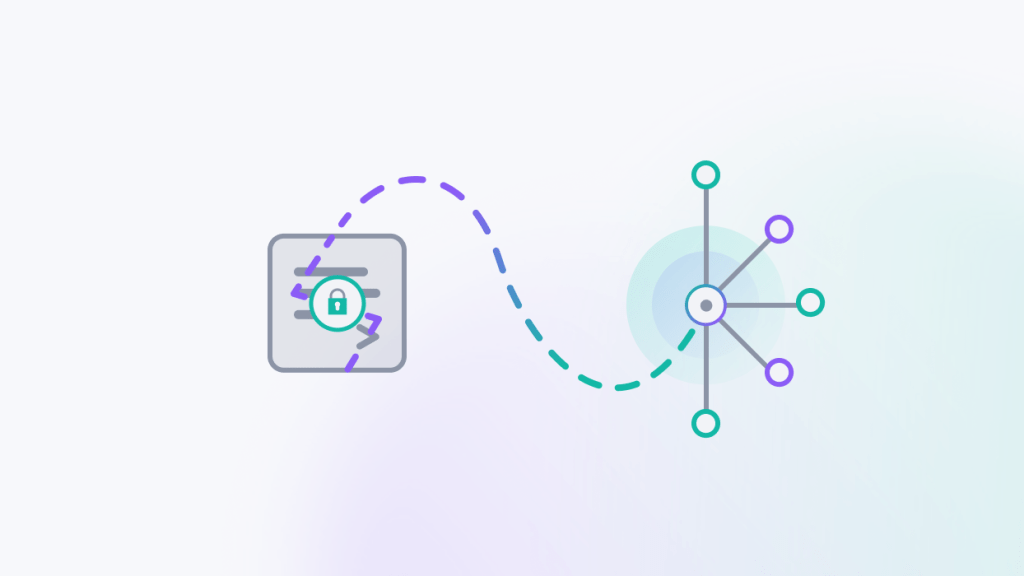
Software development teams are incorporating artificial intelligence agents into their workflows. In that context, GeneXus brings a unique advantage: business knowledge is not scattered across source code, but structured in the Knowledge Base.
GeneXus for Agents is the platform capability that connects intelligent agents with that knowledge, so they can interpret the system context, analyze information, and propose changes with greater precision. The GeneXus engine then validates those proposals and generates code in a deterministic way.
In this guide we explain what GeneXus for Agents is, how it works, and how to take your first steps.
How GeneXus for Agents works
Step 1. Download GeneXus Next
From the Download Center, available for Mac, Windows, and Linux. GeneXus for Agents is already included, so no additional installation is needed.
Tip: If you want access to the latest features before the stable release, use the GeneXus Canary Channel.
Step 2. Download the GeneXus Skill (Nexa)
In GeneXus, context is delivered to the agent through a skill called Nexa. It is what turns any compatible agent into a collaborator that understands how to write GeneXus: its objects, its rules, its modeling approach. It can be downloaded from github.com.
Step 3. Connect your agent
You can use any of these compatible agents:
- CODA CLI by Globant (recommended if you prioritize the security of your intellectual property: Globant has confidentiality agreements in place with the leading LLM providers, ensuring your code cannot be used to train models or shared with third parties, with no additional configuration required).
- Claude Code by Anthropic
- Codex by OpenAI
There is no lock-in: you choose which one to work with and can switch at any time.
Step 4. Give it an instruction in natural language
The developer tells the agent what needs to be built. For example: “I need a feature to approve leave requests for the sales team members with more than 5 years of seniority.”
Step 5. The MCP Server translates that instruction into your KB
The agent, using the Nexa skill and through the MCP client (GeneXus Next CLI) and the MCP server (GeneXus MCP Server), accesses the KB, understands its structure, and determines exactly which objects to work with: which ones to create, reuse, or modify.
Step 6. GeneXus ensures consistency
The AI reasons. GeneXus acts. Changes suggested by the agent are automatically validated by the GeneXus engine, and the developer can review and approve each modification before it is integrated into the KB.
Step 7. The result is predictable, auditable, and yours
Once validated, GeneXus generates code deterministically for the target technology, as it always has. And if that target technology changes in the future, GeneXus can rewrite the system deterministically for the new platform, without starting from scratch.
How to get started: the GeneXus for Agents Quick Start
To help teams take their first steps in an organized and frictionless way, GeneXus published the GeneXus for Agents Quick Start, a getting-started guide designed for developers who already know the platform.
The Quick Start covers eight modules:
- Why choose GeneXus today. The context of agentic development and the role GeneXus plays in that landscape.
- From writing code to directing an agent. How the developer’s role evolves in an agent-assisted workflow.
- How agents connect to the KB. How the MCP protocol works and how agents interact with the Knowledge Base.
- GeneXus Skill (Nexa). What GeneXus Skills are and how they give agents the platform-specific context they need to operate precisely on the KB.
- Environment setup. The steps to install GeneXus Next and get the MCP server ready to accept connections.
- Creating a KB from scratch. How to use an agent to start a new Knowledge Base from the command line.
- Working on an existing KB. How to bring agents into ongoing projects without leaving existing work behind.
- The GeneXus IDE. The role the IDE continues to play within the new workflow and how it coexists with agents.
The Quick Start is compatible with GeneXus Next and GeneXus 18 Knowledge Bases. If your KB is on an earlier version, migrating to GeneXus 18 is all it takes to get started.
Access the Quick Start in your language:
For a deeper dive, the full technical documentation is available on GeneXus Wiki.
You may also be interested in reading:
GeneXus and Neuro-Symbolic Architecture
The Problem with Prompt-Based Development
eneXus for Agents: 15 key questions answered